

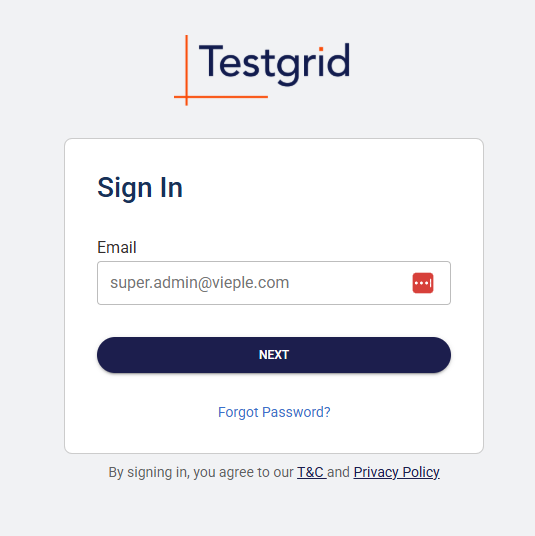
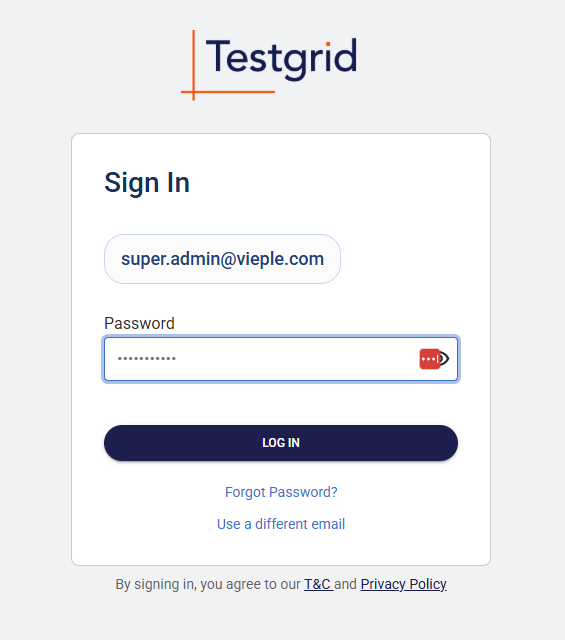
To sign in, head to:
 |  |
Dashboard:
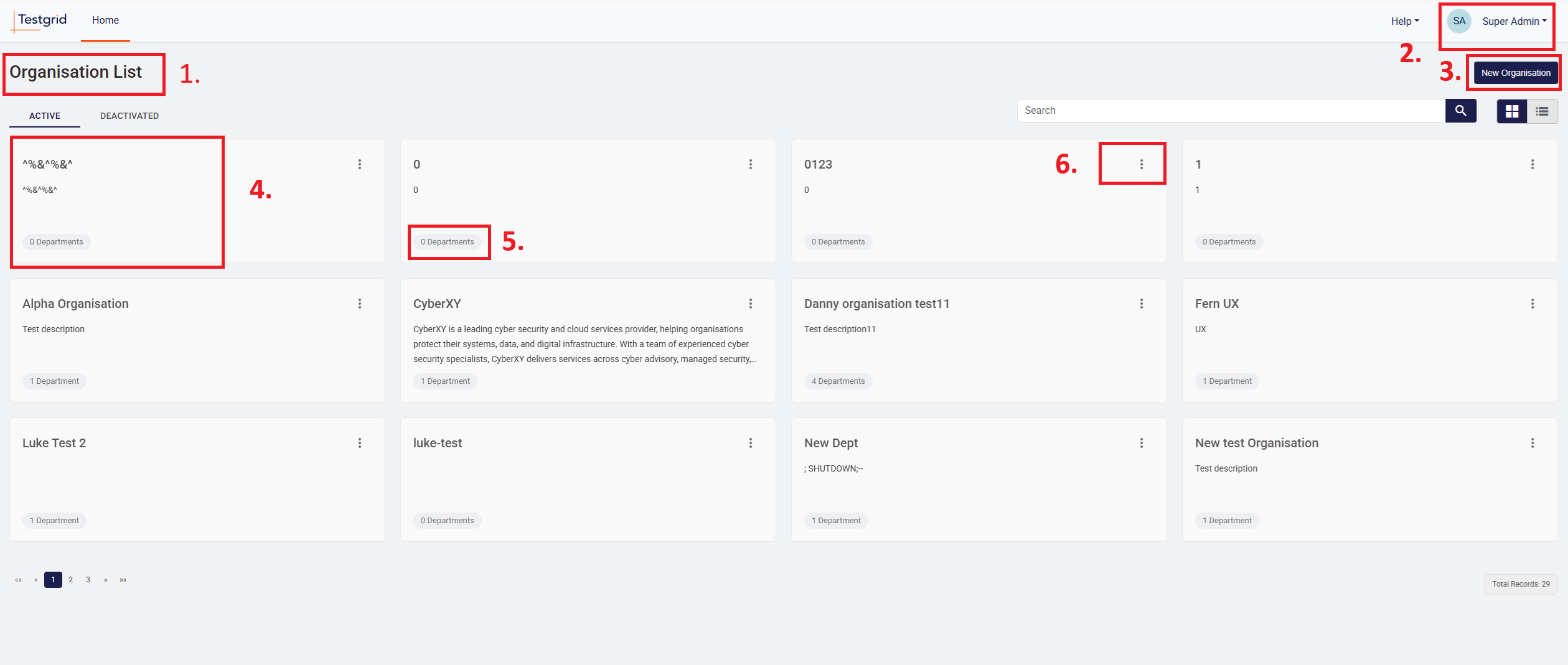
| 1. | Organisation List: Hierarchy for accounts is Organisation > Department > Job. This is similar to Client > Cost Centre > Evaluation on Oxygen. Users will have either access to whole Organisation account, or the specific individual departments. This will be the same for all clients (TfSNSW) and RPOs (Talent Solutions) |
| 2. | User Profile: Here the user can click to view/change their profile details (first and last name), reset their password or logout |
| 3. | New Organisation: Click here to create new organisation. See Initial Setup (insert link) to see what details are required for setting up account |
| 4. | Organisation card: Click here to view the organisation (Like Vieple). |
| 5. | Department/Job Numbers: Shows the number of departments that the Organisation has. When you click on the Organisation, this will change to the number of jobs that are in each Department. |
| 6. | Settings: Click to manage different organisation/department settings depending on the level you are on. 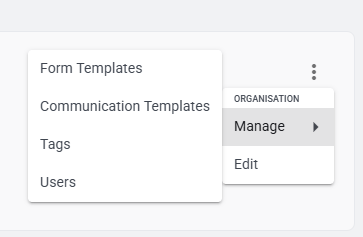 |
Was this article helpful?
That’s Great!
Thank you for your feedback
Sorry! We couldn't be helpful
Thank you for your feedback
Feedback sent
We appreciate your effort and will try to fix the article